セブンイレブン アプリは結構お得ですよ! The 7-Eleven app is a great deal!
pupa1959
1959年生まれのおやじ Old man born in 1959
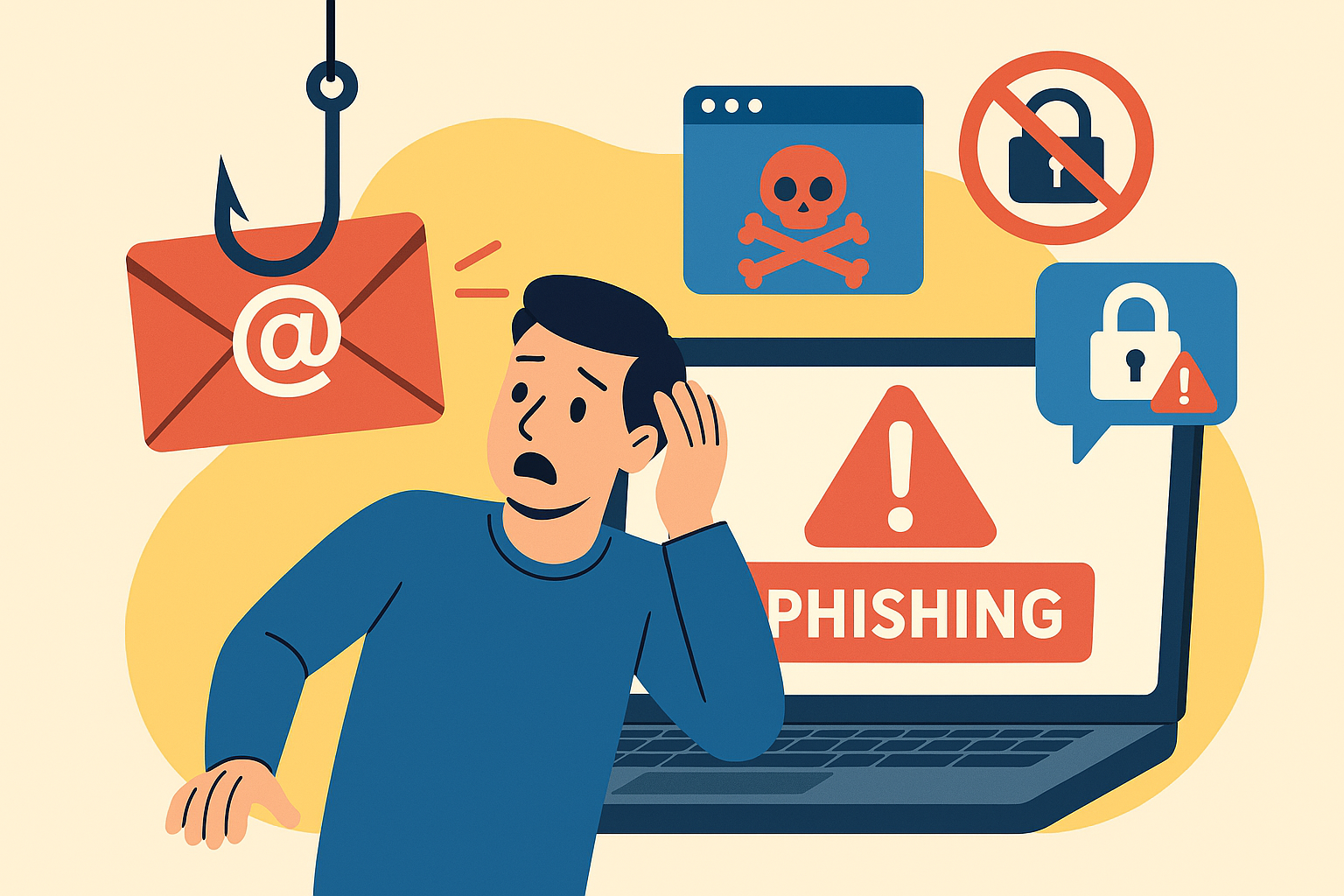
本日はフィッシングメールについて情報を共有したいと思います。
フィッシングメールとは、あなたを釣りあげようとしている詐欺メールのことです。
ネットで調べてみると、「フィッシングメールは、メール受信者をだまして偽サイトのURLへ誘導し、IDやパスワードなどの個人情報を盗み出すメールのことを指します。 」と説明されています。
つまり送られてきたメールのリンクから、本物そっくりに作られた詐欺サイトに誘導されて、あなたの大事な情報が盗まれるしまいます。
代表例としては私もかつてヒヤッとしたことが有った事例を紹介します。
カード支払いをする度に送られてくる「カード利用お知らせメール」に罠がありました。
送られて着たメールに利用日時や金額が記載されているのが一般的ですが、それ以外に「利用明細を確認する」と書いてあるやけに目立つボタンがあります。
それをクリックすると偽サイトに誘導されてしまいます。
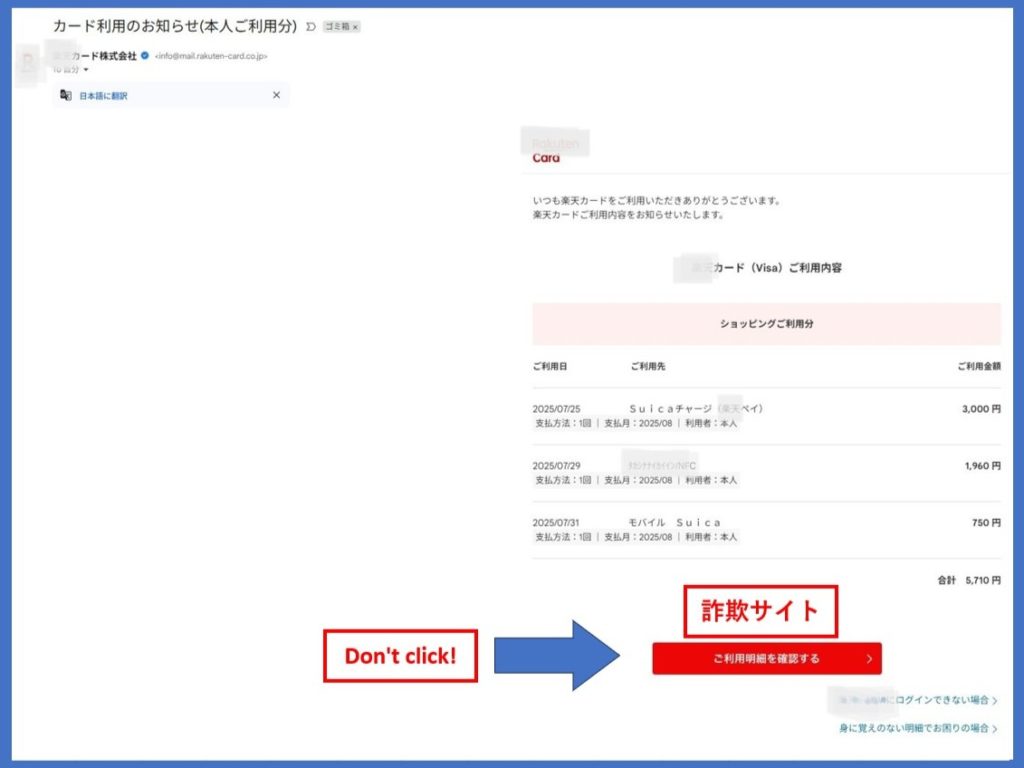
メールに貼ってあるリンクをクリックすると、そこは「偽サイトの入り口」という訳です。
他にもSNSに不安を煽るようなメッセージが届いたりします。
例えば「あなたの携帯電話の料金が未払いになっています。」「あなたの銀行口座が犯罪に使われた可能性があります。」などなど…
そしてこれらのメッセージには必ず「○○を確認して下さい。」という携帯電話会社や金融機関のリンクが貼られておりそれが「偽サイトの入り口」です。
はっきり言ってどの詐欺パターンもメールやSNSに貼られている「偽サイトの入り口」から誘導されて、IDやパスワード、口座情報などを入力することにより発生します。
これらの詐欺にあわないためには、メールやSNSに貼られているリンクを絶対にクリックしないことがとても重要です。
それとメールに書かれている文章を安易に信用しないこともとても重要です。
不安を煽るようなメールやSNS、また使った覚えのないような「カード利用お知らせメール」が届いたら、そこの貼られているリンクから確認するのではなく、いつも使っているアプリやあらかじめ登録しておいた「お気に入り」などからそのサイトにアクセスして、請求詳細などを確認して下さい。
私の経験上はYAHOOメールよりGmailの方が安全(記事参照)だと思います。
従ってこの機会に、ご自身が登録している連絡先のメールはGmailに変更することをお勧めします。
Gmailはセキュリティが高いことと、とあるサイト利用する時にGmailのIDで利用するのがとても便利です。
以上、日に日に新しい手口でフィッシングメールなどが送られてきますが、「メールやSNSに貼られているリンクを絶対にクリックしない」ことで大部分は防ぐことが可能です。
皆さんもフィッシング詐欺にあわないように注意して下さい。
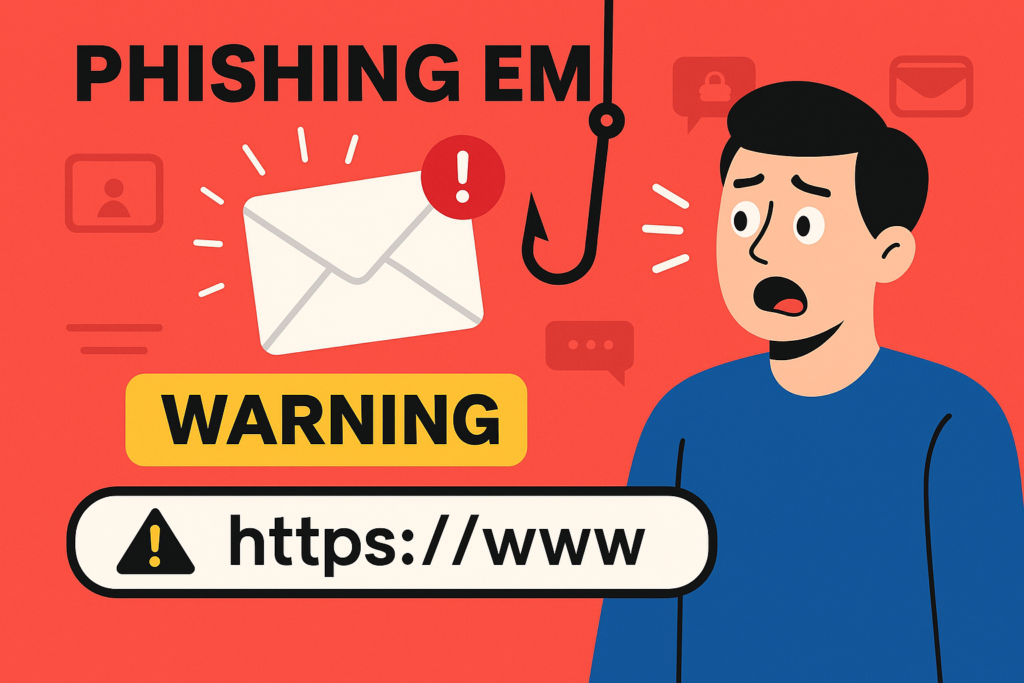
Today, I’d like to share some important information about phishing emails.
A phishing email is a type of scam designed to “hook” you—just like fishing.
According to online sources, phishing emails trick recipients into clicking on fake website links, where personal information such as IDs and passwords can be stolen.
In other words, when you click a link in one of these emails, you’re often redirected to a fraudulent site that looks almost identical to the real one.
Once there, you may unknowingly enter sensitive information that gets stolen.
Let me share a real example that once gave me a scare.
I received a “card usage notification” email, which usually includes the date and amount of a recent transaction.
But this one also had a large, eye-catching button that said “Check your statement.” When clicked, it led to a fake website.
That button was the gateway to a phishing site.
Phishing attempts also appear on social media, often using fear tactics.
Messages like:
“Your mobile phone bill is overdue.”
“Your bank account may have been used for criminal activity.”
These messages almost always include a link that says something like “Please verify your account.”
But that link is the entrance to a fake site.
To be clear: every phishing scam starts with a link—usually in an email or social media message—that leads you to a fake site.
Once there, you’re asked to enter your ID, password, or bank details, which are then stolen.
How to Protect Yourself
Never click on links in emails or social media messages, especially if they seem suspicious or alarming.
Don’t trust the content of the message too easily.
Even if it looks official, it could be fake.
If you receive a message about a card transaction you don’t recognize, don’t click the link in the message.
Instead, go to the official site using your usual app or a bookmarked link and check your account from there.
From my experience, Gmail tends to be safer than Yahoo Mail (see related article).
I recommend switching your registered email to Gmail if you haven’t already.
Gmail offers strong security and is convenient for logging into various services using your Gmail ID.
Phishing scams are evolving every day, but the most effective way to protect yourself is simple:
Never click on links in emails or social media messages.
Stay alert and protect yourself from phishing scams!

Amazonのアソシエイトとして、当メディアは適格販売により収入を得ています。
As an Amazon Associate, we earn income from qualifying sales.